
model railway
Gauge Nine: Walter's Slate-Quarry Diorama Show Tracker
A purpose-built progress board for a model railway hobbyist racing to finish a Blaenau Ffestiniog diorama before March's church hall show.
Artem
Founder
· 4 min read
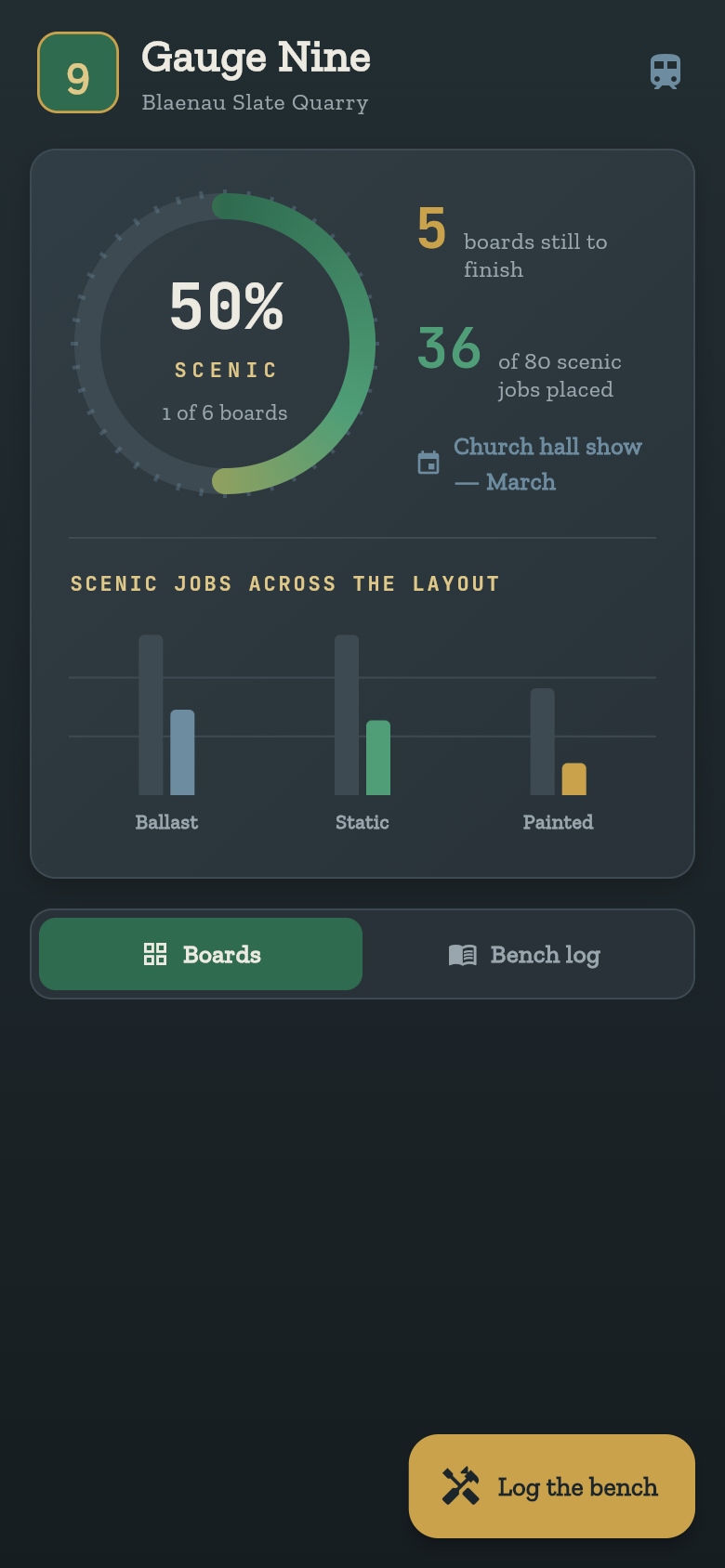
Walter has a deadline. The church hall in Porthmadog is booked for March, the club members are expecting a finished Blaenau Ffestiniog slate-quarry layout, and somewhere between the kitchen and the spare room there are six baseboards in various states of scenic completion. Some have ballast. Some have static grass but no figures. One is still bare MDF. The question he faces every evening after tea is the same: which board do I pick up tonight, and how close is the whole thing to being show-ready?
Gauge Nine is the app that answers that question before he puts his coat on. Open it, and every module is there with its own status, its own job counters, and a single roll-up figure at the top telling him how many boards are still outstanding and how many scenic jobs remain. Log an evening's work in a few taps. Close it. Come back tomorrow.
Live demo
Every board, one screen
The first thing you see when Gauge Nine opens is the full layout: every baseboard module listed with a clear scenic or not-yet-scenic status. There is no setup step, no empty state to navigate past. The app comes seeded with a working set of modules so the tracker is useful from the first tap.
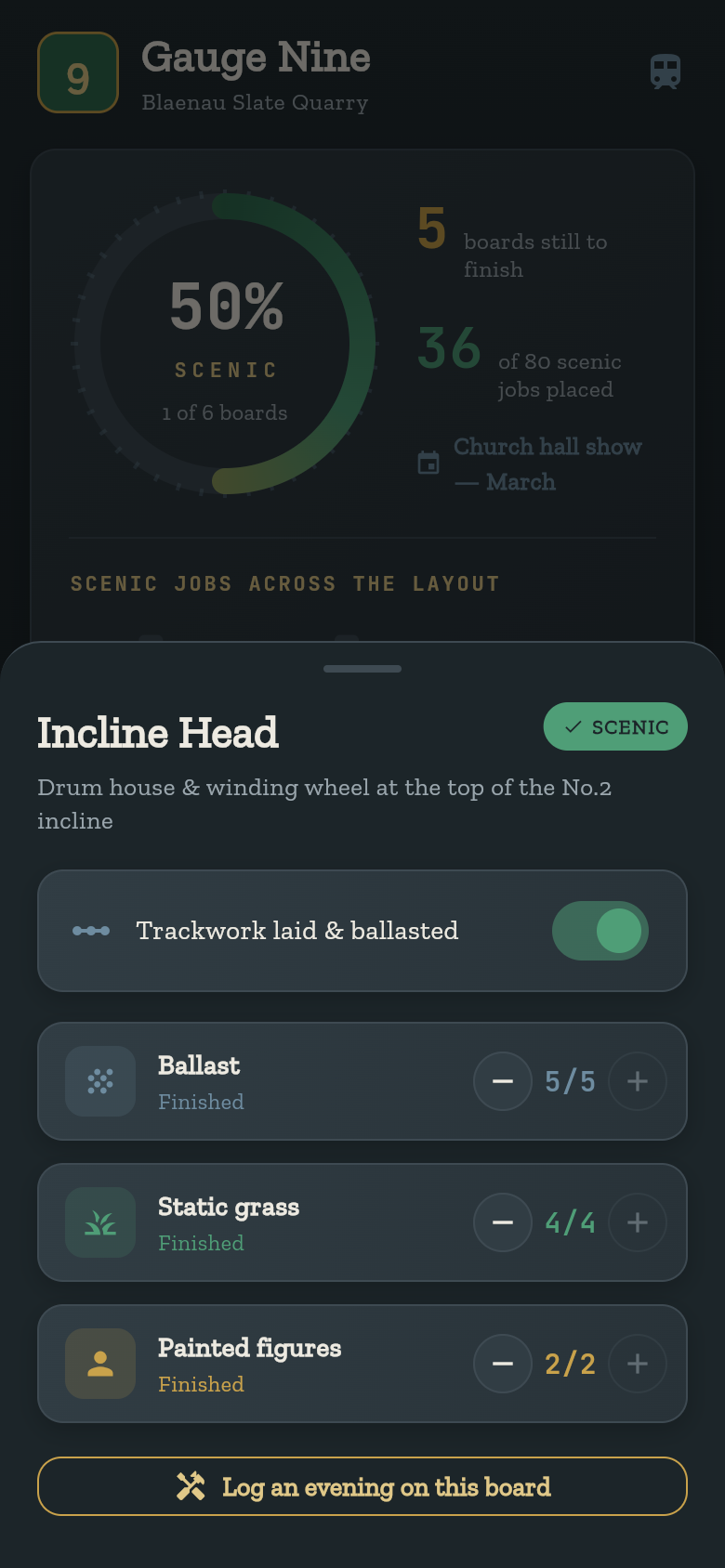
Each module carries three job types: ballast, static grass, and painted figures. These map directly to how scenic work actually progresses on a model railway layout. They are not arbitrary categories. You do not have to define them or configure them. They are just there, waiting for numbers.
Tap into a module and you see done counts against targets for each job type. A board is scenic when all three reach their target. Simple. The status on the home screen updates the moment you log a job.
Logging an evening's work
The design philosophy here is that sessions are short and the app should not fight you for time. Walter gets maybe ninety minutes after tea. He does not want to spend five of them updating a spreadsheet.
Logging works in a few taps: pick the module, tap the job type you advanced, increment the counter. That is the whole interaction. The show-readiness figure at the top recalculates immediately, so you can see the needle move before you put the soldering iron away.
Try it in the demo below. Pick a module, advance a counter, watch the summary update. The responsiveness is the point: fast feedback is what makes it worth opening every session rather than letting the tracker go stale.
The show-readiness number
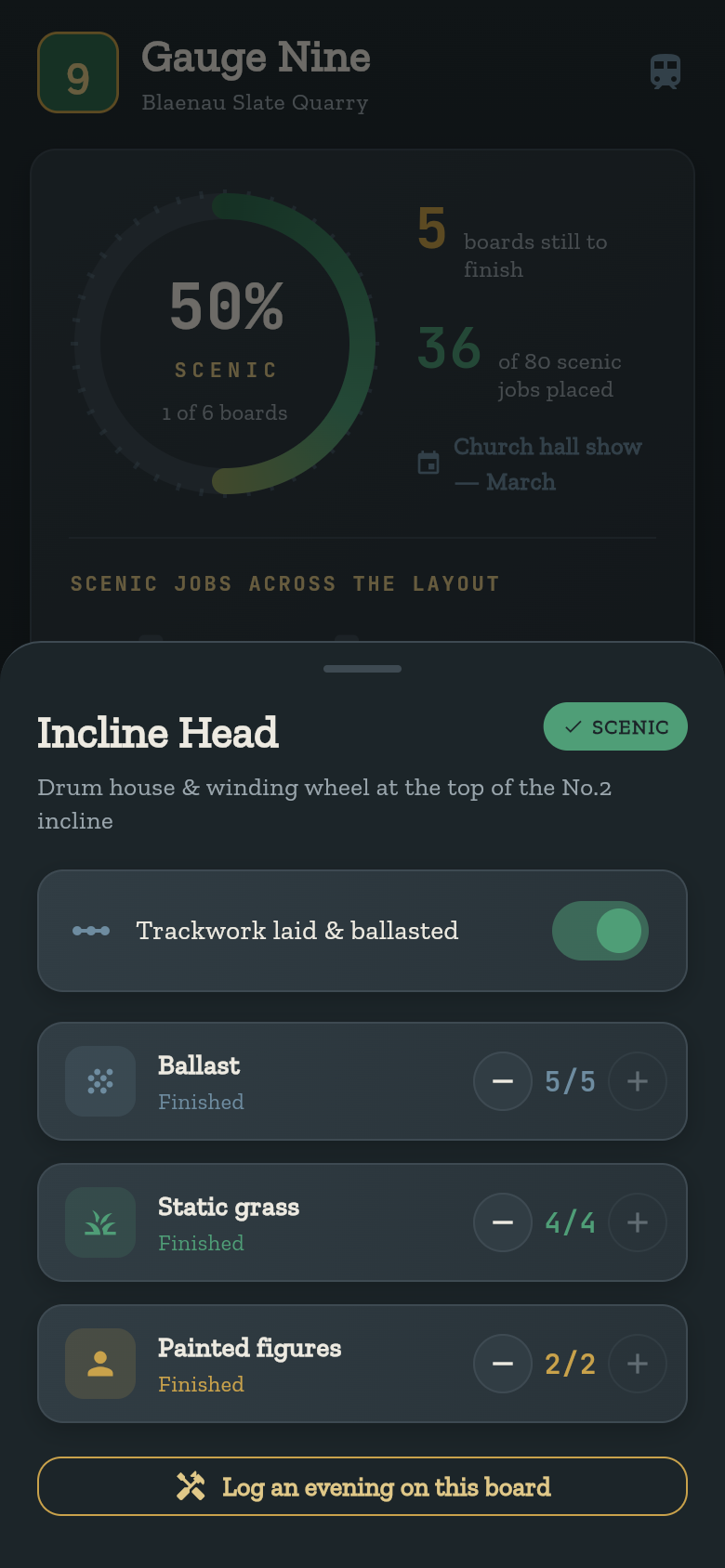
The roll-up at the top of the screen shows two things: boards with outstanding work, and total jobs still to place. These are the two questions that actually matter when a fixed public deadline is coming. Not aggregate percentages, not burndown charts. Just: how many boards are not done, and how many individual jobs are left across all of them.
This number becomes more motivating as it shrinks. Getting a board from two jobs outstanding to fully scenic feels like a real milestone. The tracker reflects that. When all three job types on a module hit target, the status flips and the board drops off the outstanding count.
March stays concrete. You are not tracking vague progress, you are tracking specific jobs against a specific deadline. That distinction matters when you are working module by module in spare moments.
No account, no network, no fuss
Everything Gauge Nine stores lives on the device. There is no login screen, no sync prompt, no server to reach. It works offline from the first session and keeps working whether or not you have a connection in the spare room.
This is not a technical footnote. It is a design choice that matches the way hobby work actually happens. Evening sessions in a back room are not the right moment to worry about accounts or cloud state. The tracker should be as available and as low-friction as a notebook, and it is.
The data persists between sessions automatically. Come back the next evening and the counts are exactly where you left them.
Built from one idea
This app started as a single sentence describing Walter's problem: a diorama builder, a fixed show date, modules in different states of scenic finish. From that description, Gauge Nine was built as a working, interactive tool. No generic project-management template, no feature bloat from unrelated use cases. Just the tracker this specific job needed.
That is what makes it genuinely useful rather than merely functional. The three job types match real scenic workflow. The module-by-module structure matches how layouts are actually built. The roll-up matches the question you ask when you are counting days to March. Every screen is answering a real question that Walter actually has.
39
files in the build
40.5 MB
app bundle
Flutter Web
runs in any browser
Have a project that needs its own tracker?
Describe your problem in one sentence and get a working app built around it. No templates, no adapting something that almost fits.